

Research Security Office
Restricted Party Screening Instructions
Please note that the Restricted Party Screening does not perform background checks nor access private information. The Restricted Party Screening can be performed on any individual or organization at any time and will not result in any discernible inquiry of the screening as it is based on publicly available information. Any individual or organization can be screened through the software that OSU utilizes without requiring permission to do so by the individual or organization.
Point-of-Contact for Technical Support
Please contact Research Security by email at research-security@okstate.edu for technical support or technical questions regarding this form.
Restricted Party Screening instructions
1. You will sign into OneAegis with your OSU email address and Okey password.
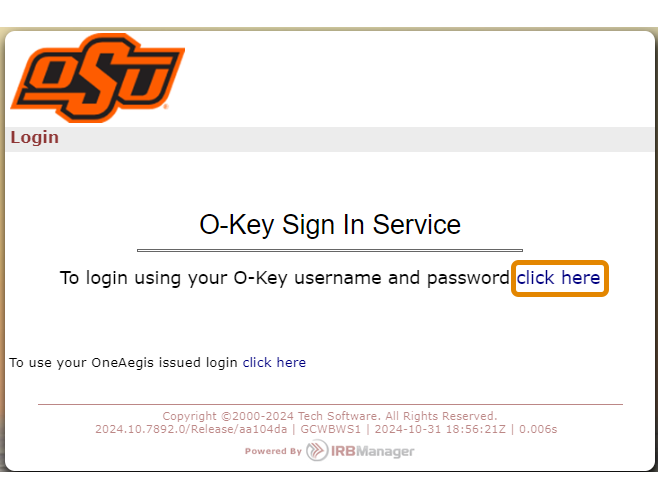
2. Once you are signed into OneAegis, you will click on “New Restricted Party Screening Request” button.

3. Congratulations! You are now ready to request a Restricted Party Screening.