

RESEARCH SECURITY OFFICE
CITI Training Lookup
Research Security Training Completion Lookup
About
To look up individuals’ CITI training, you must be a CITI administrator. If you require this access please contact the Research Security Office, research-security@okstate.edu.
Look Up CITI Trainings
Open the CITI Program webpage on your web browser, https://www.citiprogram.org/?pageID=668
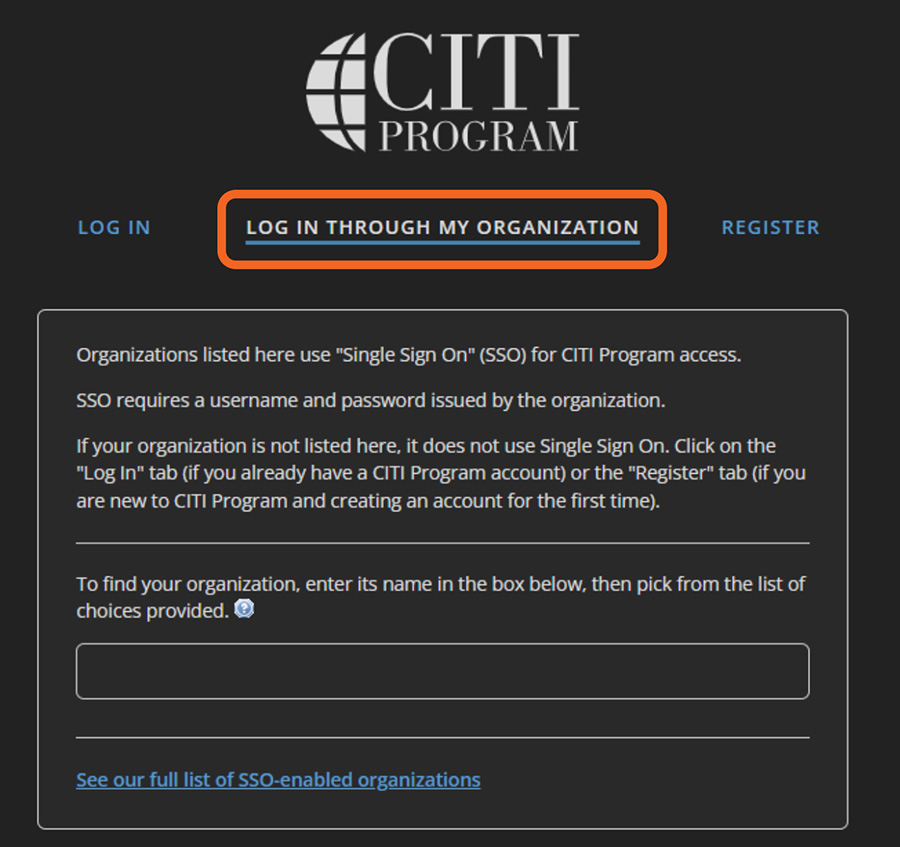
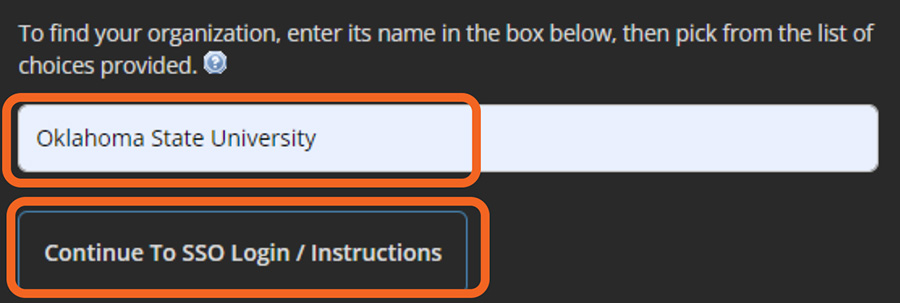
Type in “Oklahoma State University” and click the [Continue to SSO Login/Instructions] button.
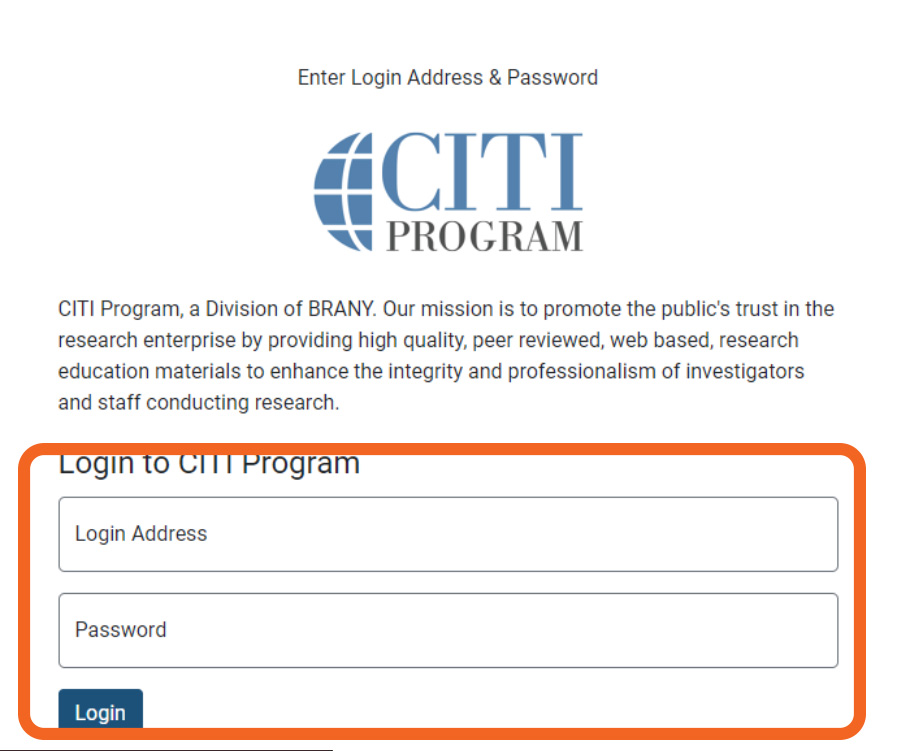
Enter in your Oklahoma State University email address and Okey password and click [Login].
At the top of the screen click on [Admin]

Next, under [Members], select “Member Search”
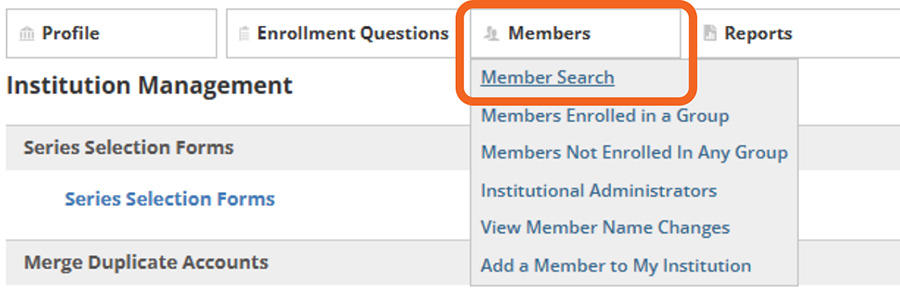
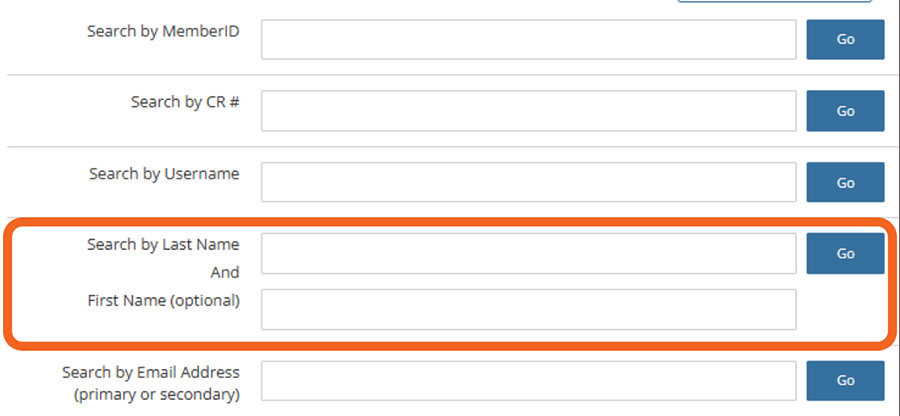
Type in the first name and/or last name of the individual you wish to review CITI trainings.
Individual Found
If the individual is listed you will be able to see their trainings and completion
dates displayed on the screen. You are looking for “Annual Combined Research Security
Training” and a passing date. The passing date must not be longer than one year. If it is, please ask the individual to retake the training as it must be renewed every
year.

Cannot Find Individual
If you do not find the individual in CITI, they will need an account. Please, send
them an email and have them follow the instructions in the following link.