

Research Security Office
NASA MFTRP Certification
About
NASA requires senior and key personnel listed on proposals and awards to annually certify that they are not involved in a Malign Foreign Talent Recruitment Program (MFTRP), in accordance with the CHIPS & Science Act of 2022. This certification confirms the absence of participation with foreign countries of concern. These individuals will receive an email notifying them to certify prior to the expiration date of their certification. Once they have completed their certification, they will receive the certification in their OSU email as an attachment.
Requirements
As required by 42 U.S.C. 19232(a)(1), covered individuals to certify stating that they are not a party to a MFTRP annually after proposal submission for the duration of the award.
Contacts
Research Security Office
Instructions
1.01 Completing the NASA MFTRP Certification
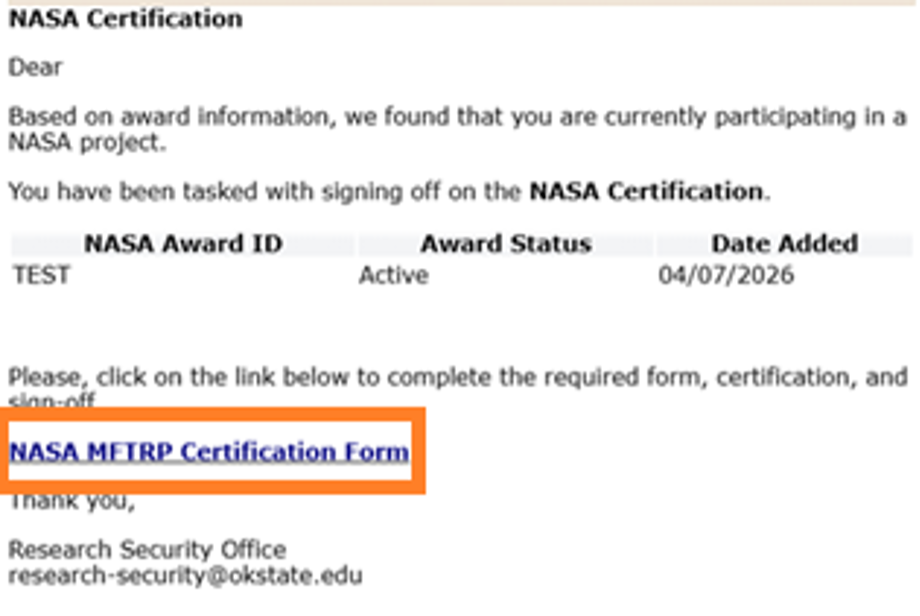
- Click the link in the email to begin the certification process.
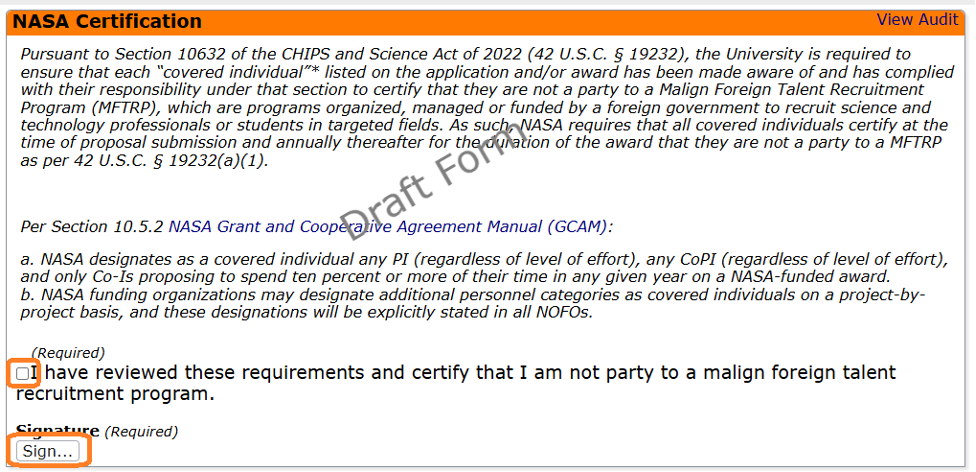
- On the NASA Certification page, you will need to read the certification information, place a check in the checkbox, and click on the [Sign…] button to sign the certification.
- Click [Next]

- Click [Submit]
- Note: The form will not be complete or submitted until you click on the button [Submit].

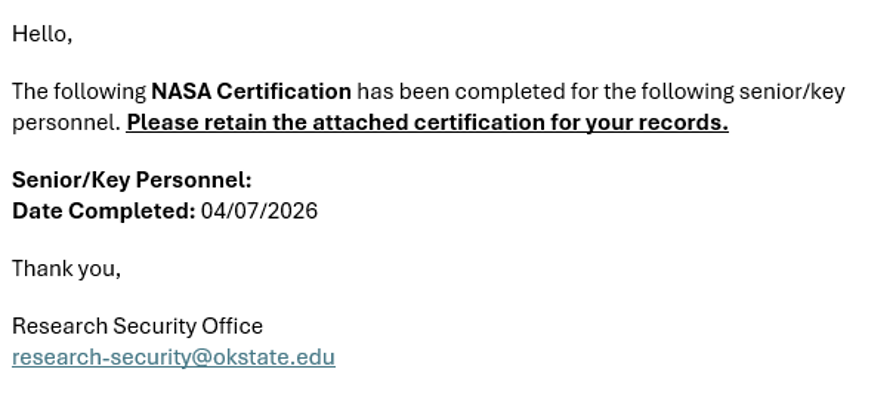
- You and your sponsored programs office will receive an email with your signed certificate attached.
1.02 Renewing or Discontinuing your Certification
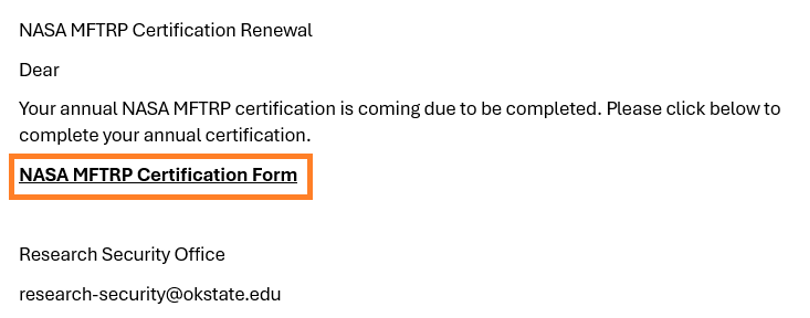
On an annual basis, you will receive an email informing you, as the senior/key personnel on an award, are required to renew the NASA MFTRP certification. These notifications and reminders will be sent out 15-days in advance of the expiration date of your existing NASA MFTRP certification. Follow the instructions below to respond to this renewal.
- Click the link in the email you received regarding your NASA MFTRP certification renewal.
- On the screen you may review the awards you are associated with and set these to “Active” or “Inactive” as needed by clicking on the pencil icon.
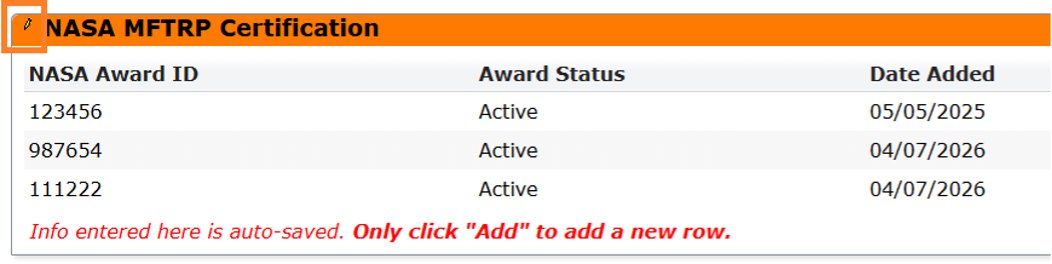
Renewing NASA MFTRP Certification
- On the NASA Certification page, you will need to read the certification information, place a check in the checkbox, and click on the [Sign…] button to sign the certification.
- Click [Next]
- Click [Submit]
- Note: The form will not be complete or submitted until you click on the button [Submit].
Discontinuing NASA MFTRP Certification
- If the NASA award has ended, you will need to set the appropriate award ID’s to “inactive” by clicking on the pencil icon and clicking [Update].
- Finally, if the NASA awards you are part of have ended, you will need to set the question “Are ALL of the above listed awards inactive?” to “Yes” by clicking on the pencil icon and selecting “Yes” and clicking [Update].
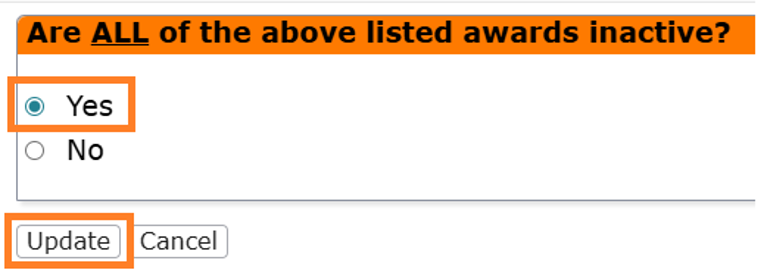
- Click [Next]
- Place a check in the checkbox, indicating the NASA award has ended.
- Click [Sign]

- Click [Next]
- Click [Submit]
- Note: The form will not be complete or submitted until you click on the button [Submit].